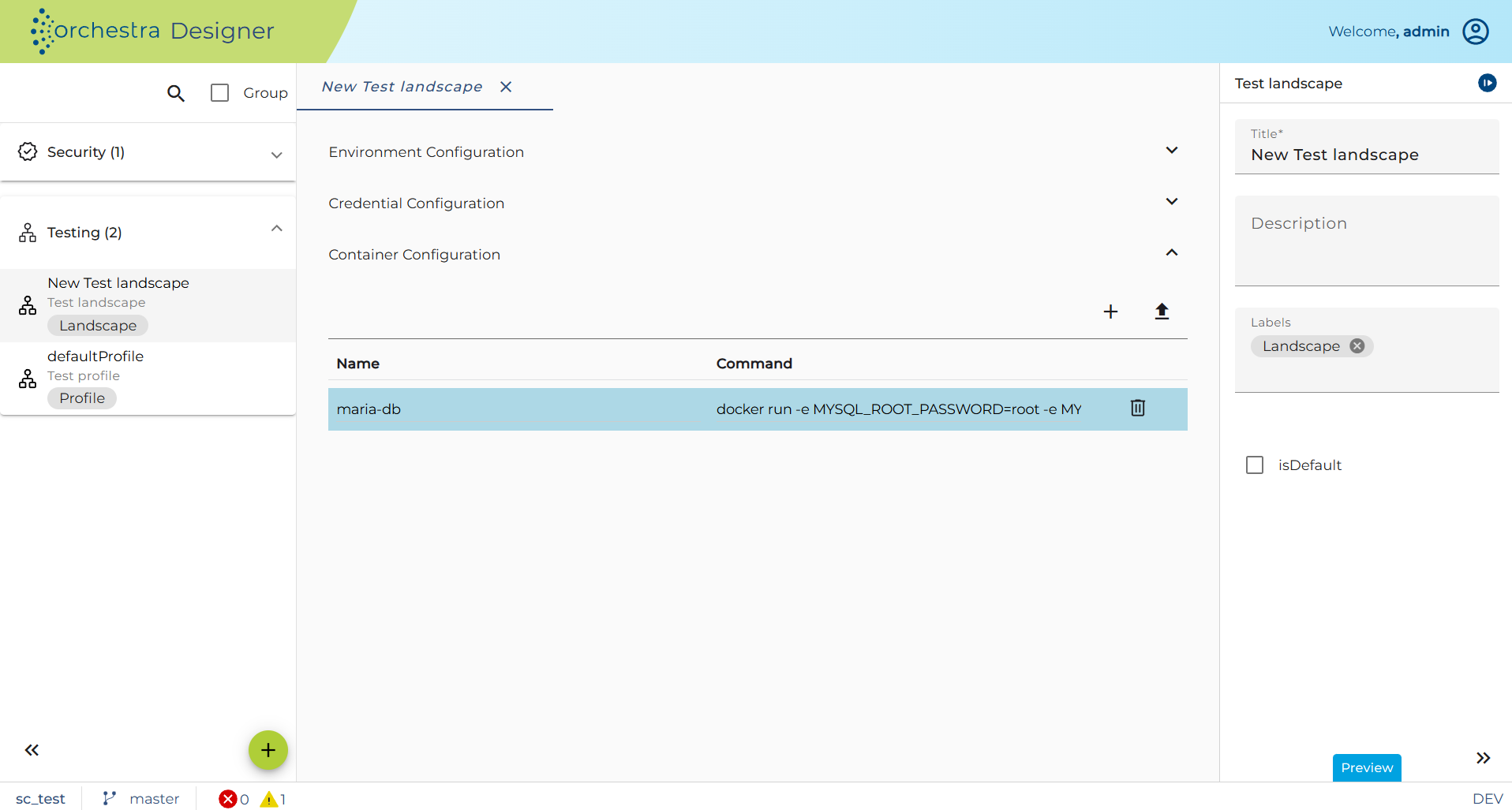
Container Configuration
Overview
If the defined test cases require an external system, it is possible to mock them (see Script - Before Test Execution) or if no dedicated test system exists, you can define docker containers here, which are started with the corresponding landscape when the tests are executed.
To use this feature, make sure docker is installed correctly and with the necessary permissions. You can check this by running the docker command in your command line.
Furthermore, make sure that all used ports of the containers are available.
Only commands that start with "docker" are accepted as Docker commands. Only these will be executed. It is not possible to execute other or further command lines.
Make sure that you do not start any containers here that you will need later, as all started containers will be stopped and deleted again after the tests have been executed.
Further they make sure that they adjust/overwrite their environment entries fitting to their started container (see Environment Configuration).